Home General Getting started with QUIKR.TO Article
Adding links, what's the limit?
Posted on 2024-06-17 Updated on 2024-06-18Adding Links: What's Possible?
Links are the foundation of your QUIKR.TO! Discover how to add embedded links and bring your QUIKR.TO to life.
There are two types of links you can add to your QUIKR.TO: Static links and embedded links, which we call Link Apps. You can add both by clicking the "BLOCKS" button and selecting "Link".
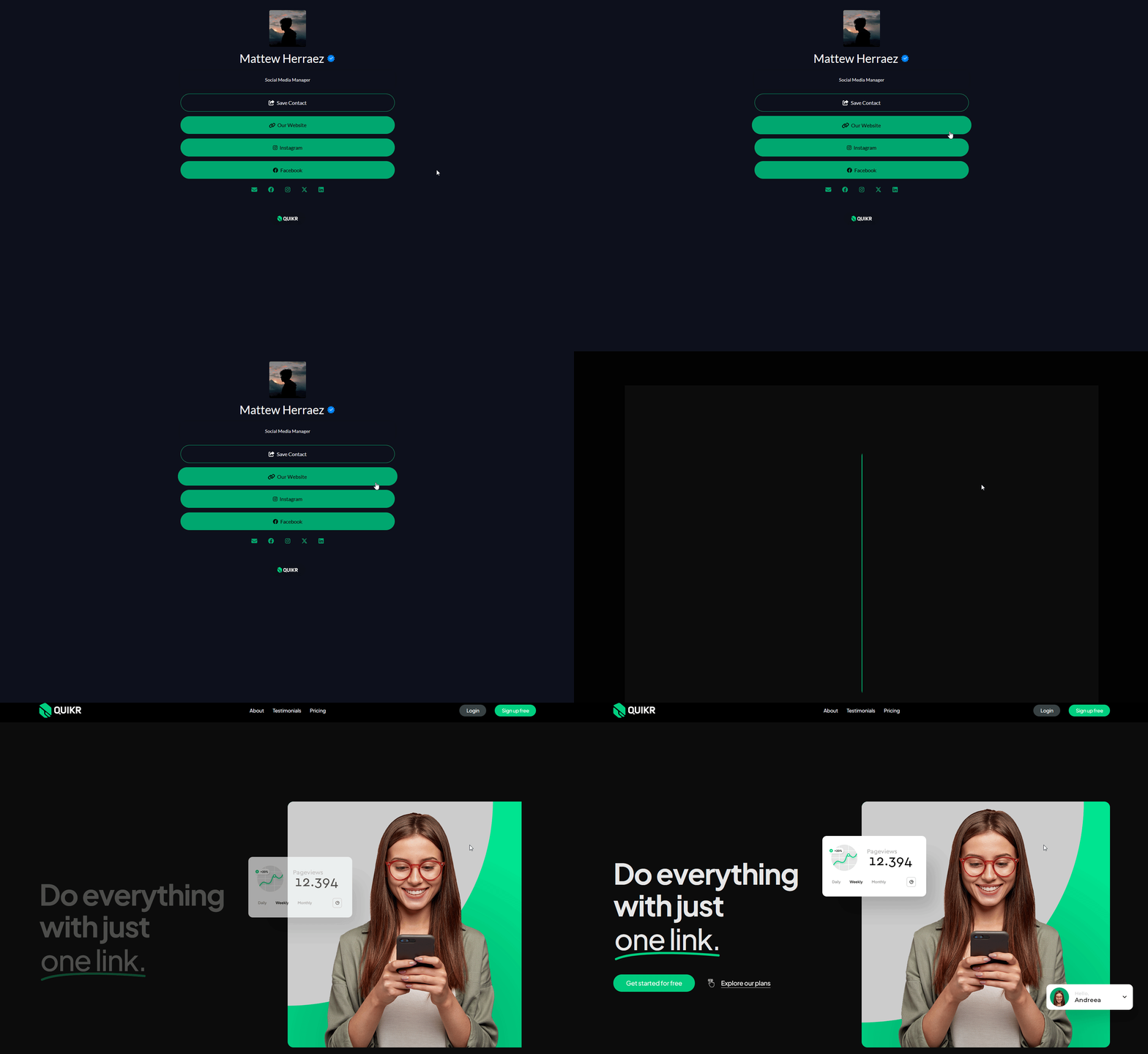
What is a static link?
A static link directs visitors away from your QUIKR.TO page, such as to your website or Yelp reviews.
To add a static link, click the "Link" button on the Blocks tab and paste in the URL.
 What is an embedded link (Link App)?
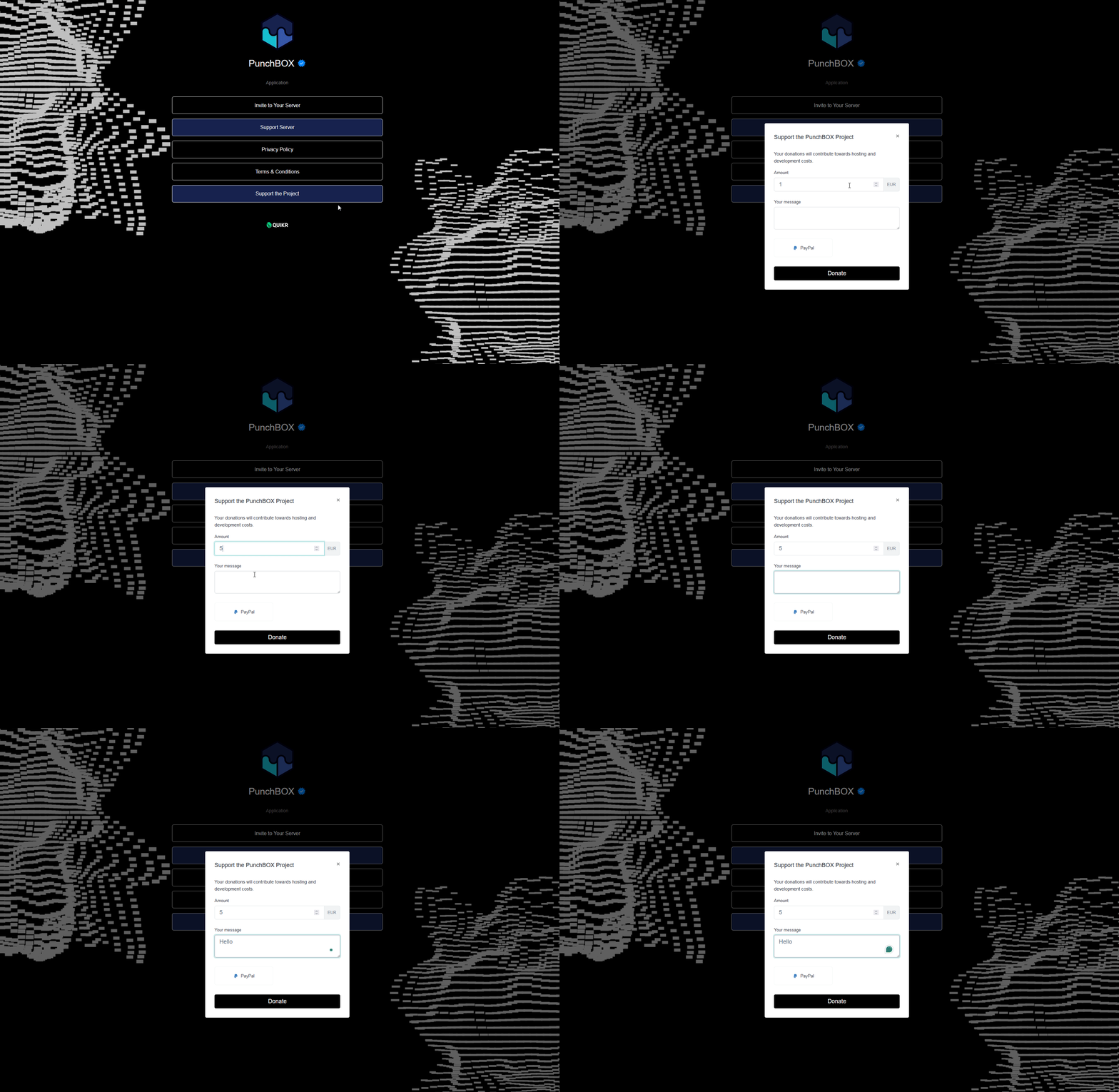
An embedded link, or Link App, allows your visitors to interact with content without leaving your QUIKR.TO. This means within QUIKR.TO, visitors can watch YouTube videos, stream your latest podcast, fill out a contact form, leave a tip, and much more!
 The Power of Embedded Links (Link Apps)
Link Apps are an excellent way to boost engagement and get your content seen! Here's why Link Apps are impactful:
Reduce Clicks: The fewer clicks your audience needs to make, the less likely they are to drop off. Keep your visitors' journey in mind. What's the quickest way to get them from point A to point B? Link Apps!
Highlight the Value: Visitors want to understand the value of your QUIKR.TO before engaging.
Tell Your Story: Storytelling is a powerful marketing tool. Use Link Apps to tell your story and create deeper connections with your visitors. Deeper connections mean higher engagement. Offer ways to connect with your brand, such as sharing your team Spotify playlist or embedding an “About Us” introduction video to build trust.
Whether you're looking to share content, make and collect money, or connect with your audience, Link and Deep Links are a fantastic feature. You can view all 30+ connections by clicking “BLOCKS” in your QUIKR.TO bio-page. Each Link has its own unique settings, and you can configure them however it suites your needs.
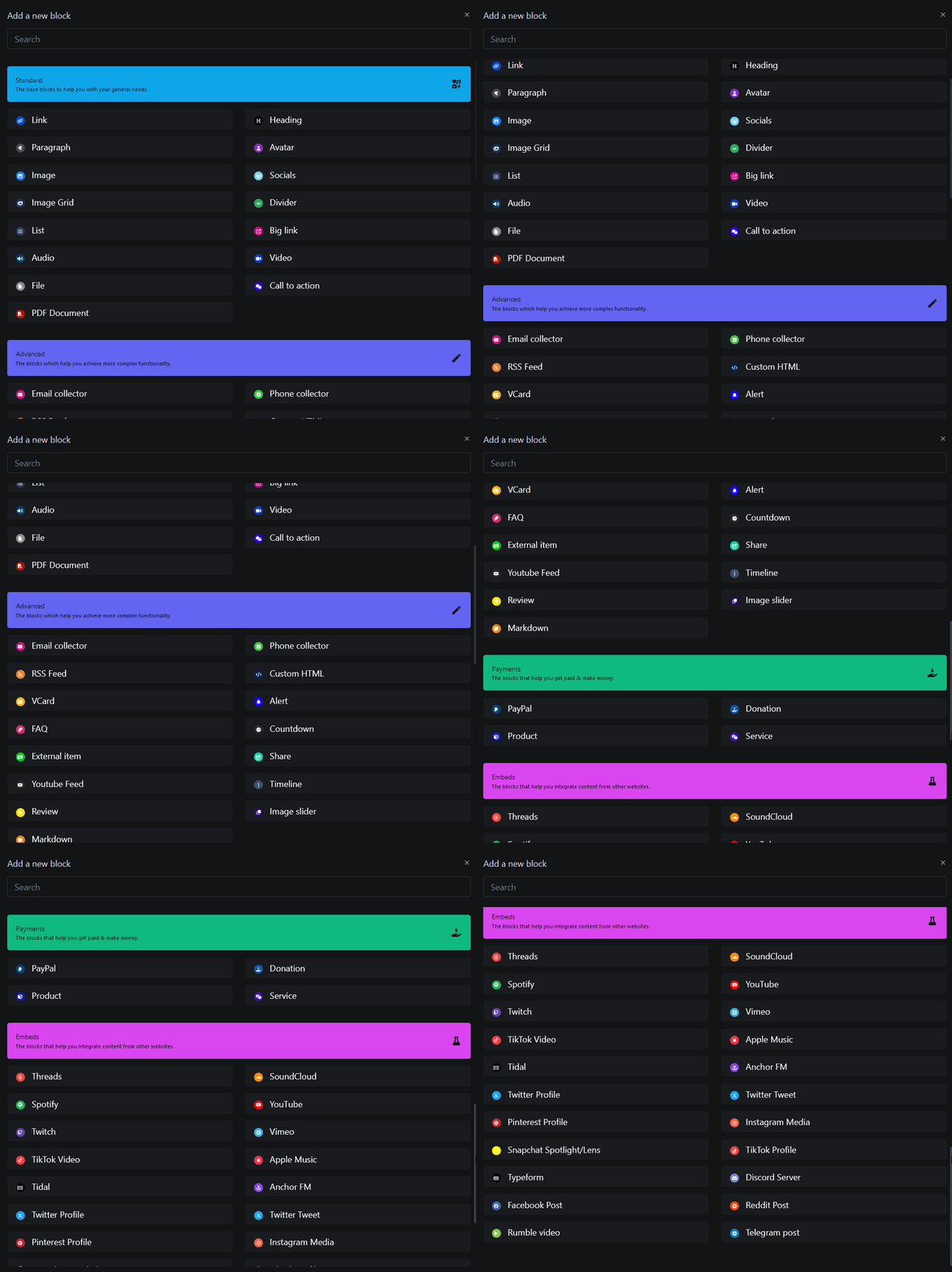
| Start adding your embedded links now by setting them as Deep Linking withing the "Block View" or by selecting the relevant Link App! |
How Many Links Should I Have?
There's no definitive answer, but here are a few things to consider:
The order of your links is important: The further down the link is on your page, the fewer clicks it will receive.
Think about your goal: If your goal is to have an equal click-through rate across all your links, we recommend having no more than 7-10 links.
If you need more than 10 links, keep your visitors' experience in mind. On a phone, only 5 classic links will fit on the screen before they need to scroll. Use headers and featured layouts to keep your QUIKR.TO organized.
Found this article helpful?
[ 1 Out of 2 Found Helpful ]
